Tool
 Ad Preview
Want to see how an ad would look on your website before committing to it?
Upload a screenshot of any page, choose an ad format, then position and resize it to create a realistic mockup. When you're happy with the result, simply download the finished image.
Everything runs locally in your browser, so your screenshot is never uploaded or stored anywhere.
How it works
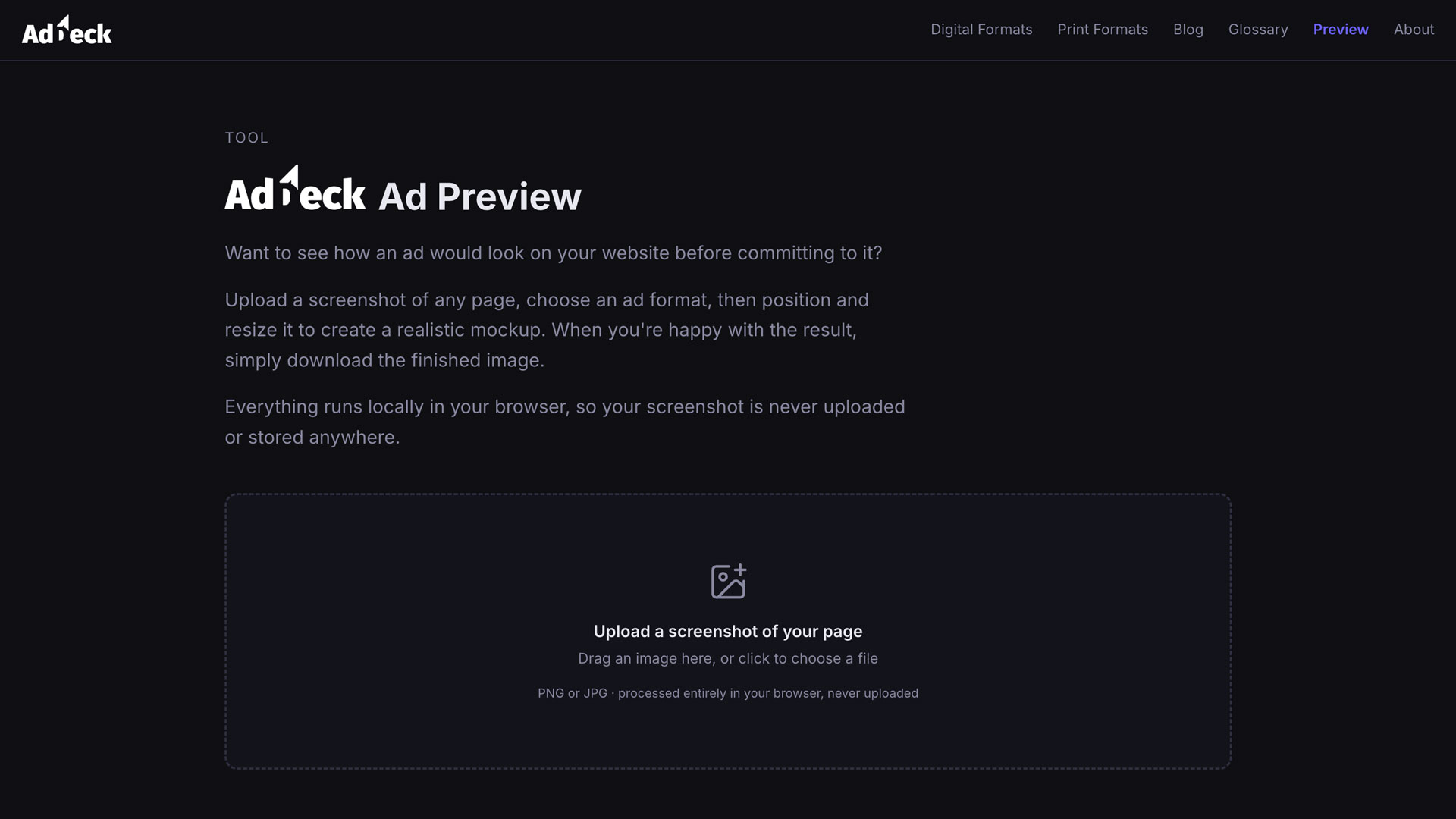
Upload a screenshot
Drag in or select a screenshot of the page you're thinking about monetising.
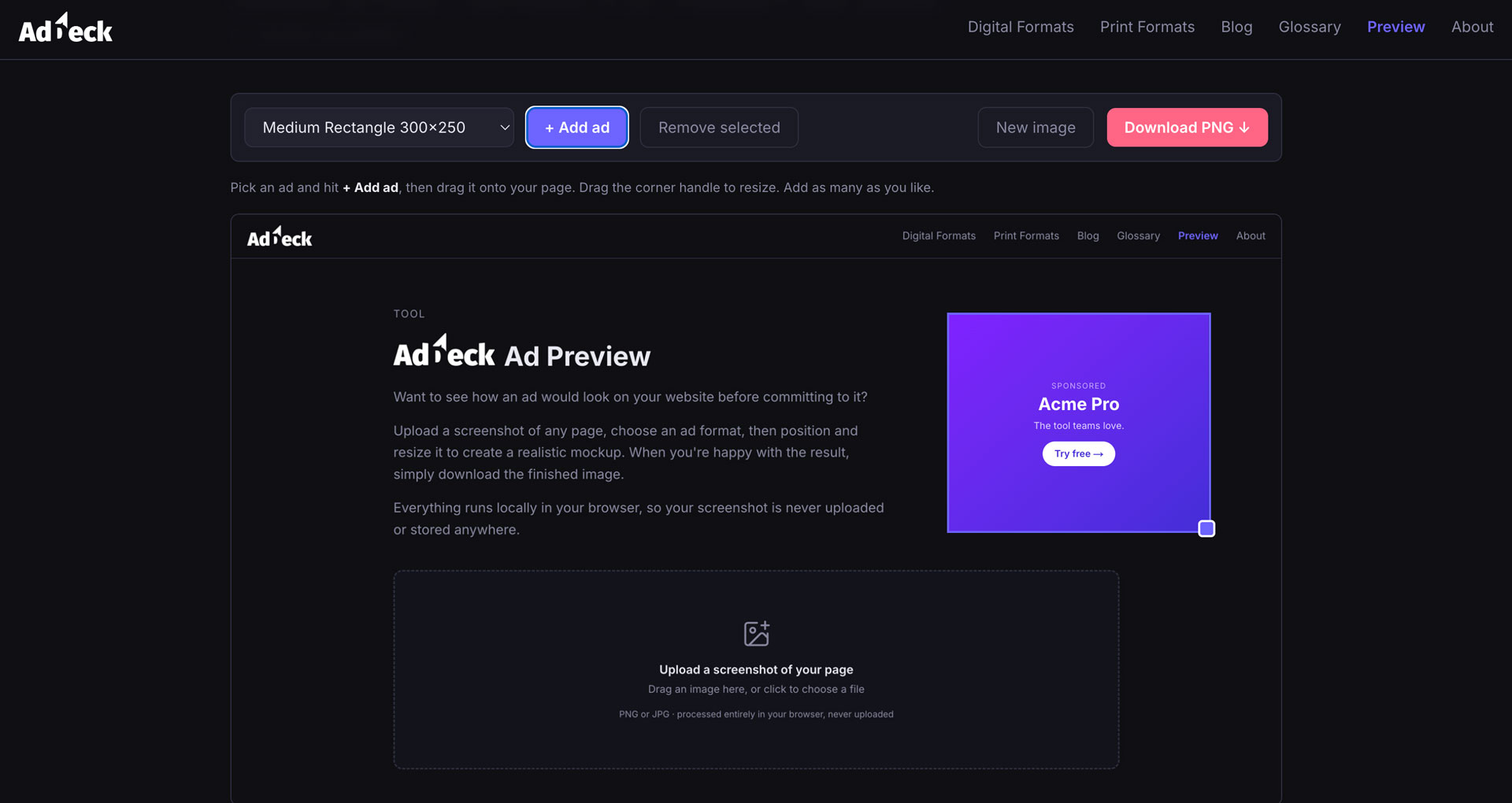
Place an ad
Choose a format, add it to the image, then drag and resize it to the spot you have in mind.
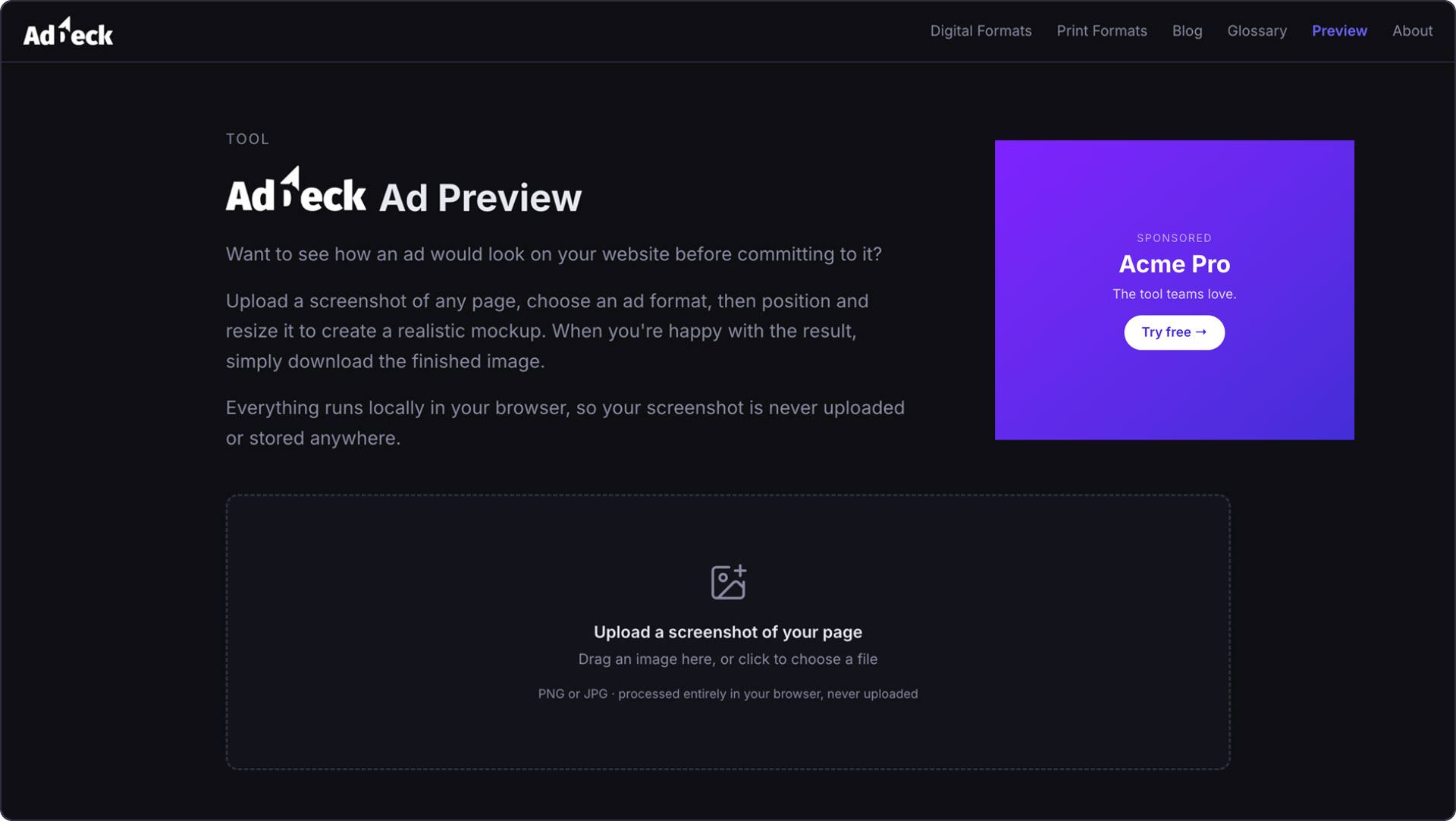
Download the mockup
Export a PNG to share with your team, a client, or to plan your ad layout.
The overlaid ads are illustrative mockups for layout planning — not real served ads. Your uploaded image stays on your device and is processed entirely in the browser.